TG Accounts Module for Secure Buying & Selling
A module for secure buying and selling of TG accounts with automatic verification, delivery in multiple formats, and login via authorization code.
The buyer selects accounts based on automatically collected parameters and pays through the internal RWS Pay balance. To make a purchase, the buyer must create or log into a buyer profile within the store.
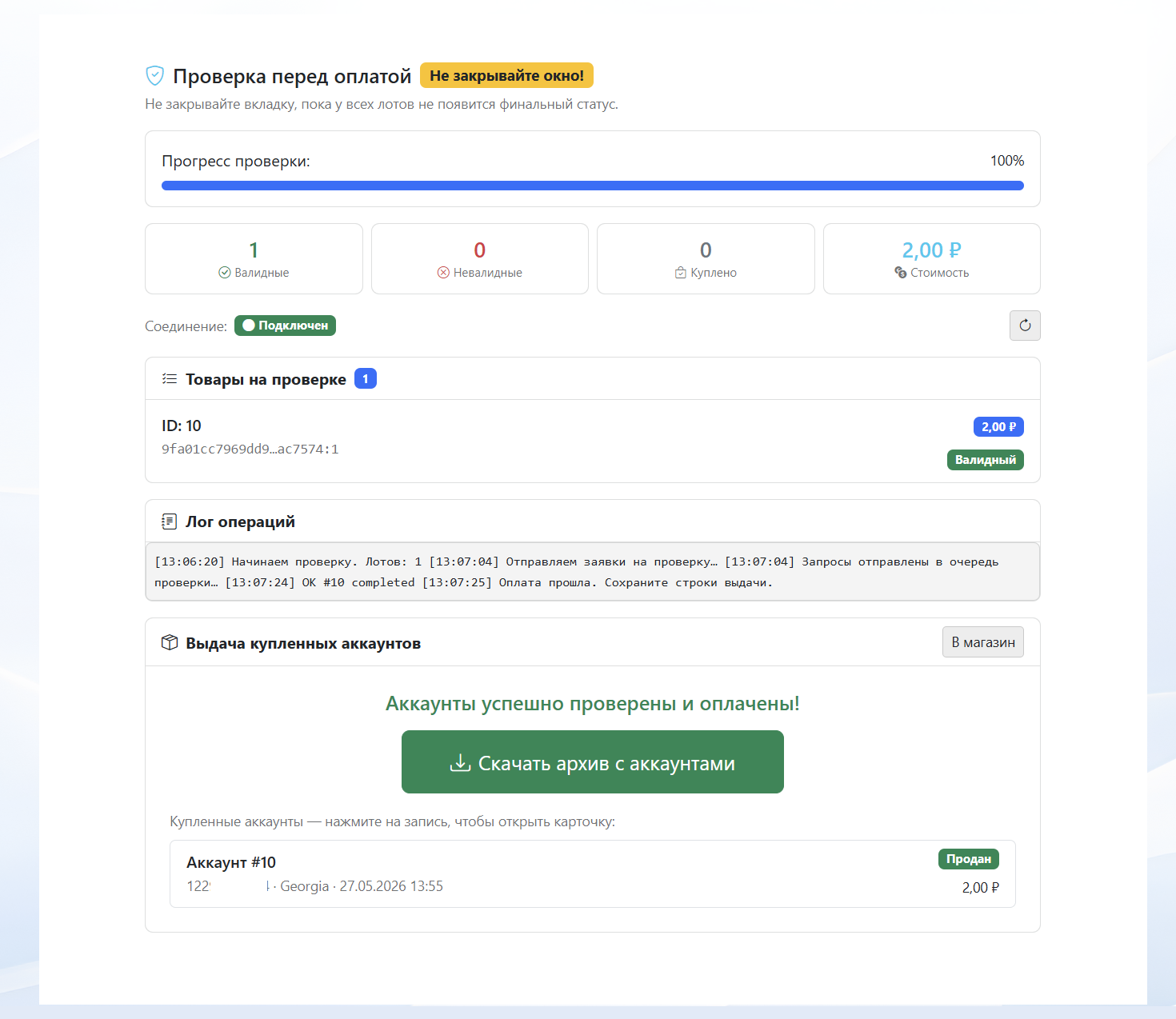
Before delivery, each account is automatically verified for validity through the seller’s proxy, confirming that the session is active and the data is correct.
Available delivery formats after purchase:
• TData
• Telethon Session
• Pyrogram Session
• Login via phone number and authorization code
• TData
• Telethon Session
• Pyrogram Session
• Login via phone number and authorization code
Upload methods for sellers:
• Bulk import in AUTHKEY:DCID format
• TData folder upload
• Session file import
• ZIP archive upload with tdata
• Bulk import in AUTHKEY:DCID format
• TData folder upload
• Session file import
• ZIP archive upload with tdata
The module automates the entire workflow: uploading, storage, verification, sale, and account delivery. It operates separately from the standard product system, and purchases are available only through the buyer profile with payment via RWS Pay.
The seller specifies their IPv4 proxies for account verification.
Separate proxies can be assigned to specific batches; if they are unavailable, proxies from the general list will be used.
Setup: You must use the template path Customize → Open Editor → Add Block → TG Module.
You can customize the layout, colors, number of cards, hide unnecessary parameters, or leave only the account list. For accounts with passwords, a separate note can be added, which the buyer will see after purchase.